
CamSoda Categories
Tags, Menus & Site Sections
In this section, we explore how CamSoda is organized, including category tabs, tag browsing, private show menus, video sections, sex games, model media, search tools, and the main navigation areas users see while browsing the site.
For a complete overview of the platform, including pricing, features, models, live rooms, and account creation, see our Full CamSoda Guide.
CamSoda Left Side Menu
The left side menu on CamSoda is focused on filtering and personal browsing. While the top navigation menu moves users between major site sections, the left sidebar helps narrow the live cam grid by saved pages, top-rated rooms, private show options, model categories, and physical attributes.
At the top of the sidebar, CamSoda includes personal browsing links such as My Favorites, My History, AI Recommended, and Vibe. These options are designed to help returning users revisit rooms they liked, find recently viewed models, or discover new rooms based on platform recommendations.
Below that, the sidebar includes top-rated browsing shortcuts, including Top Rated Models, Top Rated Privates, Top Rated Cam to Cam, and Soda Stars. These links are useful for users who want to start with popular or higher-performing rooms instead of browsing the full live grid manually.
The private show section allows users to filter rooms by price range, including lower-cost private options, mid-range private shows, higher-priced private rooms, and cam-to-cam availability. This is one of the more useful parts of the menu because it lets users compare private show options before entering a room.
CamSoda also includes category filters for ethnicity, body type, age, hair, tags, language, and region. The final item in the left side menu is a link to all tags, which opens a separate page with text links to available tag pages across the platform.
One useful option near the top of the left side menu is the multi-filter tool. This opens a separate filtering page where users can combine more than one filter at the same time instead of browsing through a single category.
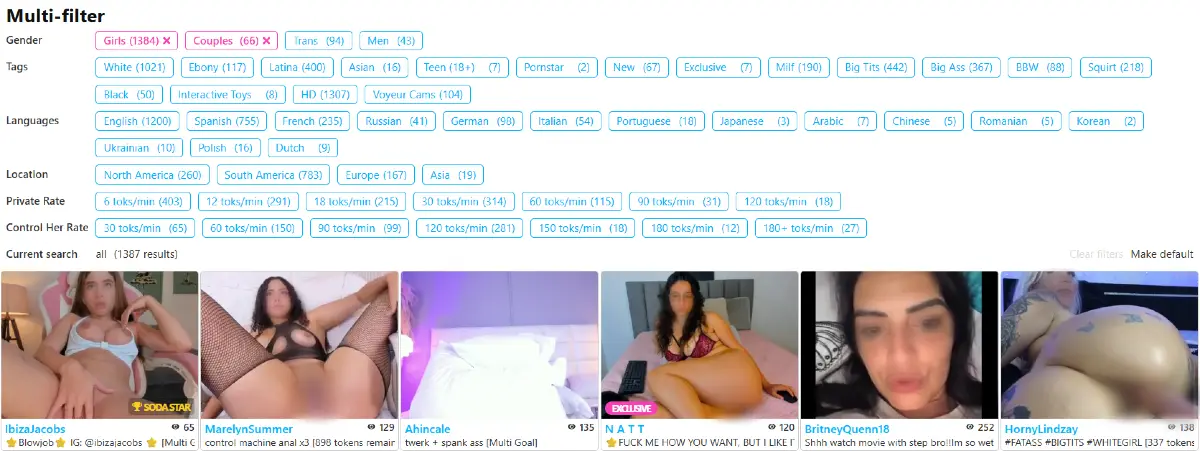
Overall, the left side menu works as CamSoda’s main filtering panel. It gives users a faster way to sort the live room grid, find specific model types, compare private show pricing, and return to saved or recently viewed rooms.
CamSoda Top Navigation Menu
CamSoda’s top navigation menu gives users quick access to several major parts of the platform. Instead of limiting the experience to live cam rooms only, the menu also includes tags, private shows, purchased media, free videos, sex games, model videos, dating links, and a sitewide search box.

From left to right, the main CamSoda top menu includes:
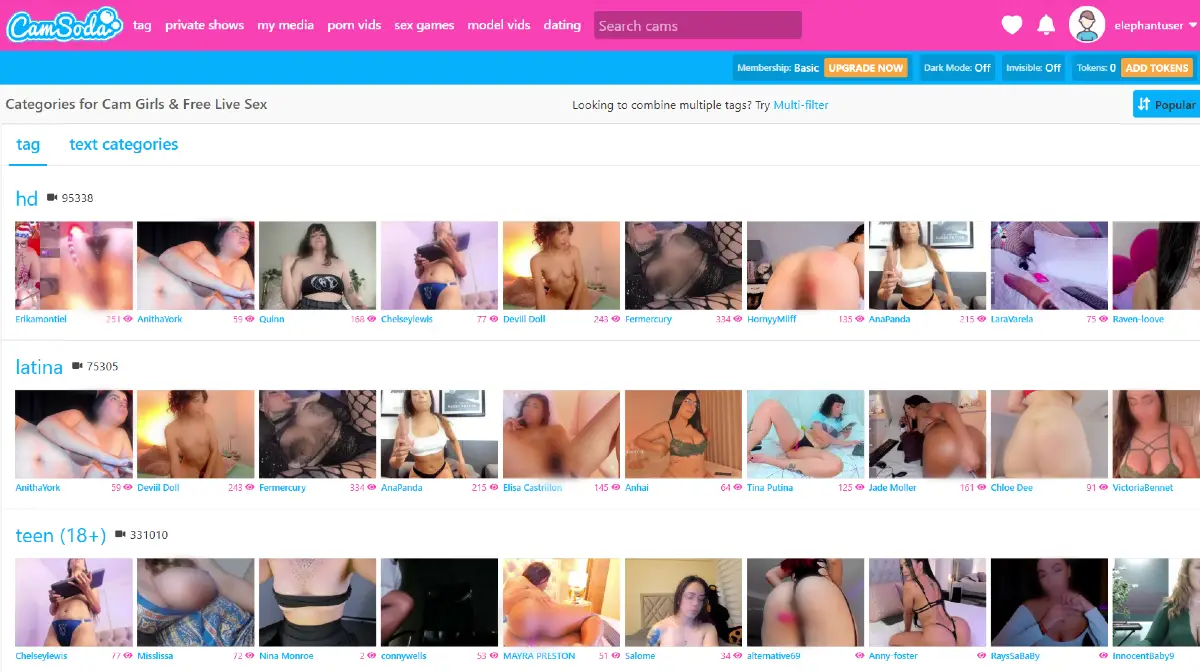
- tag: opens online models organized by tags such as HD, Latina, teen 18+, Lovense, MILF, big tits, toys, gamer, mature, and many others.
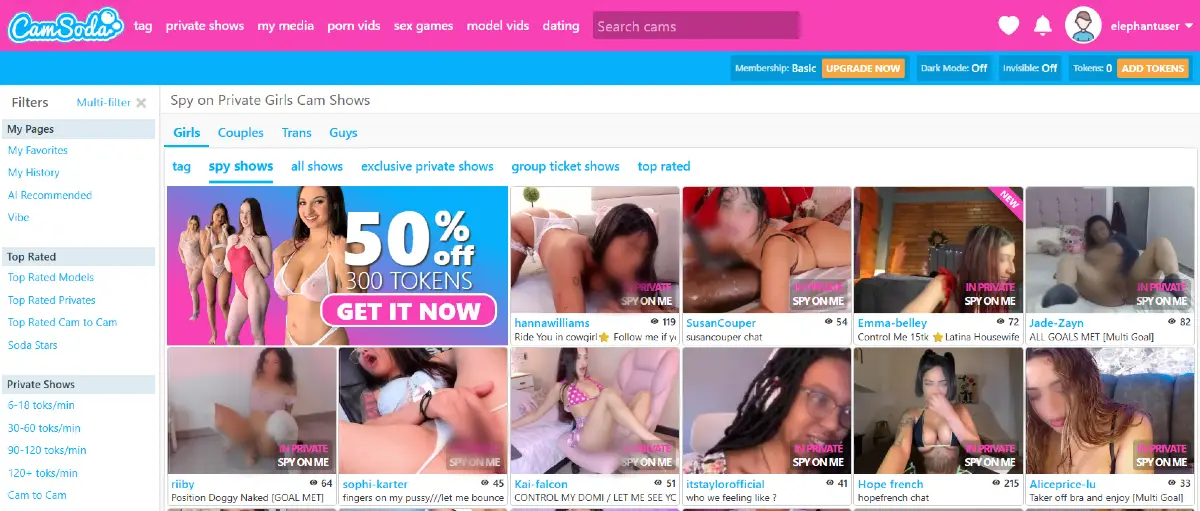
- private shows: opens models currently available through private show categories, including spy shows, all shows, exclusive private shows, group ticket shows, and top-rated private rooms.
- my media: shows media connected to the user account, including purchased videos, picture sets, playlists, hidden media, and fan club content.
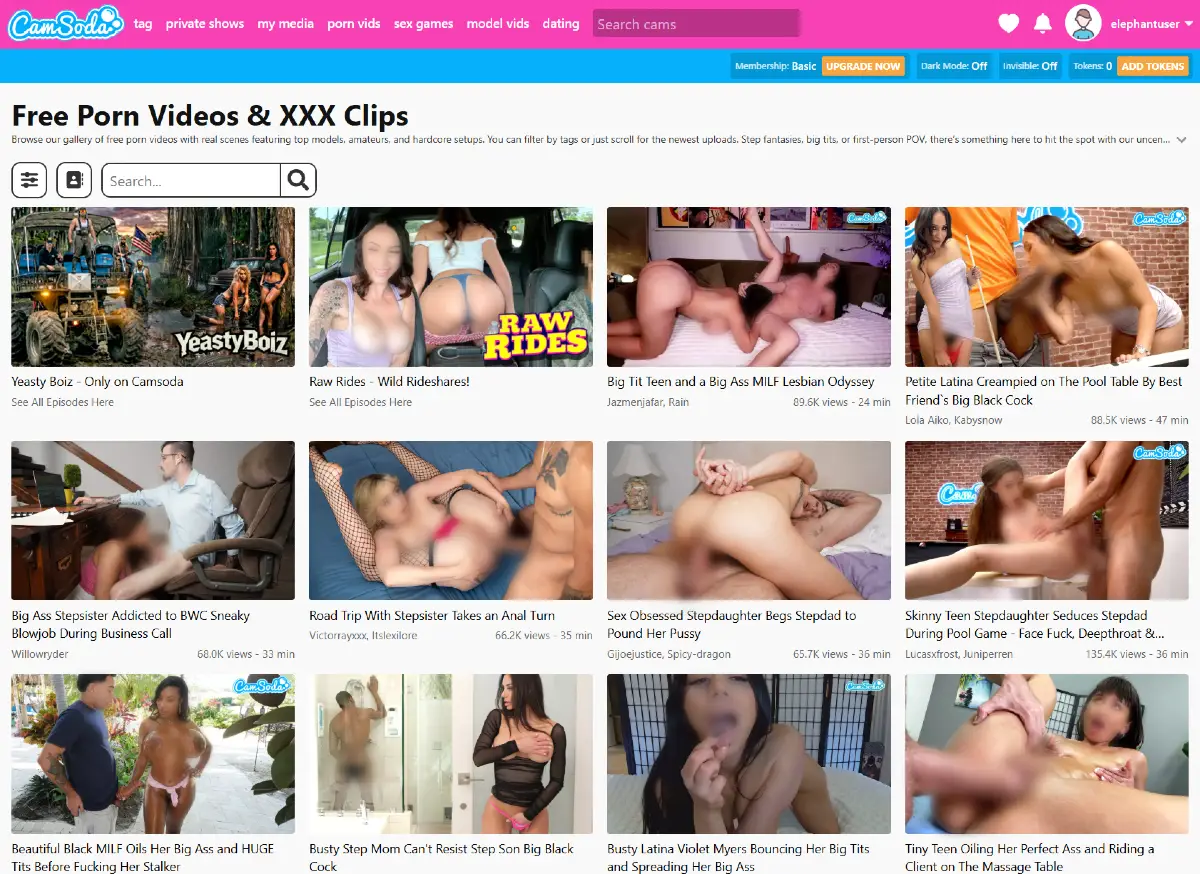
- porn vids: opens a large free video section with categorized full-length adult videos, search tools, and browsing filters.
- sex games: opens browser-based adult games, including trending games, weekly popular games, VR-style games, and categories such as MILF, femdom, and other themes.
- model vids: opens a marketplace where users can buy amateur model videos and picture sets.
- dating: opens a simple list of recommended dating sites.
- search cams: allows users to search for models, tags, categories, and other content across the platform.
The tag section is especially useful for browsing by interest rather than by individual model name. Users can explore broad tags, combine multiple tags through the multi-filter option, and jump directly into live model rooms connected to a specific category.
The private shows menu is more focused on paid interaction. During our test, it separated private rooms into spy shows, all shows, exclusive private shows, group ticket shows, and top-rated options. This makes it easier to find rooms based on the type of paid access a user wants.
The porn vids section was one of the biggest surprises during our review. Unlike most cam platforms we tested, CamSoda includes a large library of free full-length videos directly inside the site. Videos are organized by category, include basic search tools, and give the platform more of a hybrid feel between a live cam site and an adult video directory.
CamSoda also includes a sex games section with browser-based adult games featuring performers and adult-themed storylines. During our test, the games area included trending games, most-played lists, and themed categories such as MILF games, femdom games, VR games, and other adult game types.
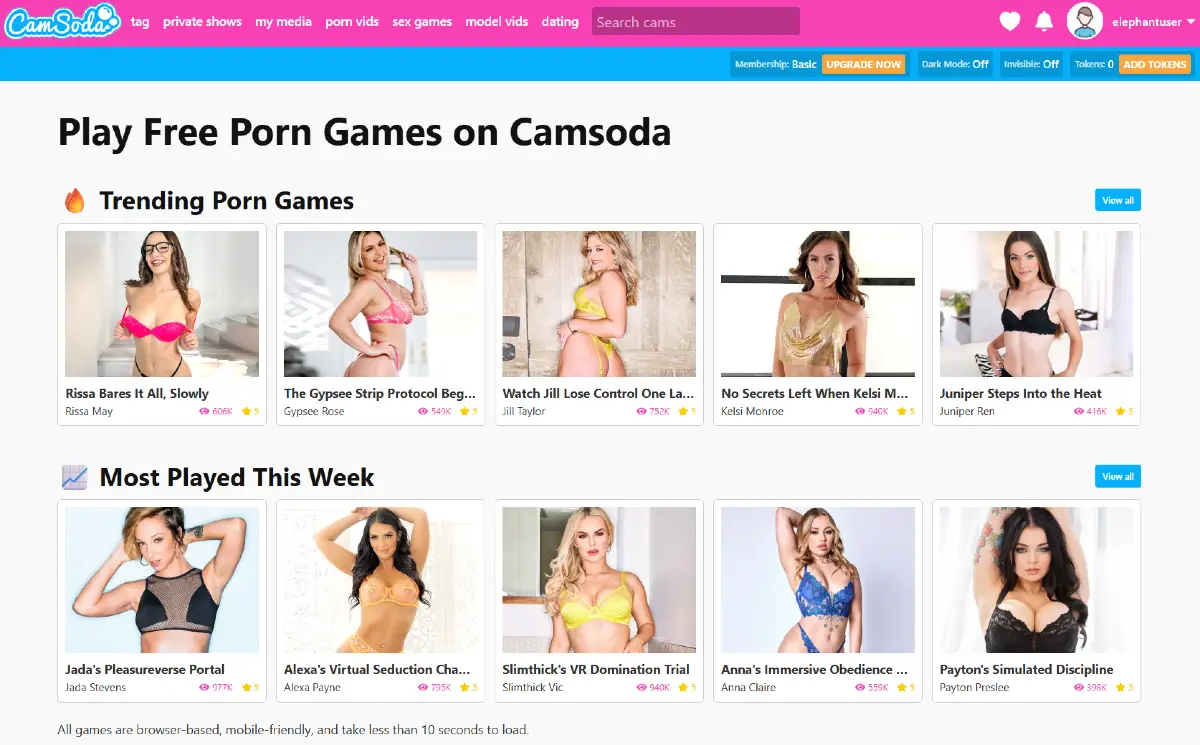
Overall, the top menu shows that CamSoda is more than a basic live cam directory. The platform combines live cam browsing, private shows, model media, free videos, adult games, search tools, and tag-based discovery into one navigation system.
CamSoda Homepage Browsing Menu
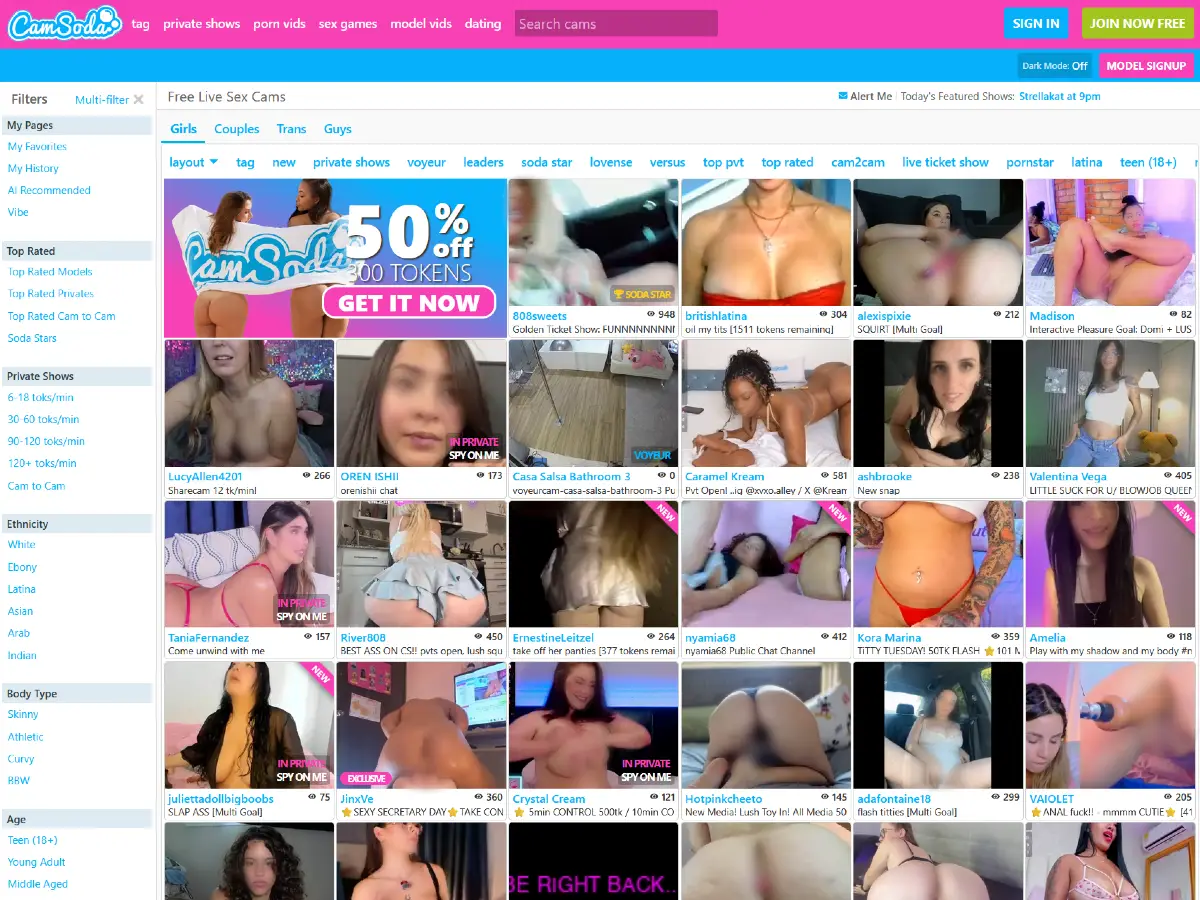
In addition to the left side menu and the top navigation menu, CamSoda also includes a horizontal browsing menu above the live model grid. This area is one of the fastest ways to switch between performer categories, room types, tags, layout options, and popular discovery shortcuts.
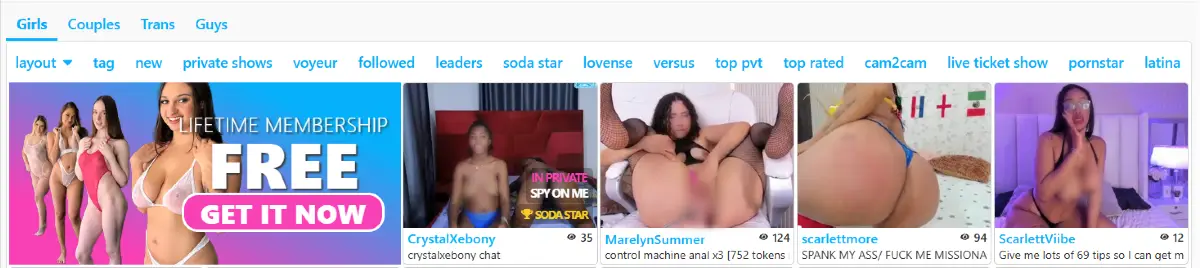
The first row includes the main performer category tabs: Girls, Couples, Trans, and Guys. These tabs separate the live cam grid into the main browsing areas most users will use when starting on CamSoda.
We cover each performer category in dedicated CamSoda sections, including CamSoda Girls, CamSoda Couples, CamSoda Trans Models, and CamSoda Guys.
Directly below those tabs, CamSoda adds another row of discovery shortcuts. During our test, this included layout, tag, new, private shows, voyeur, followed, leaders, Soda Star, Lovense, versus, top private, top rated, cam2cam, live ticket show, pornstar, Latina, and other quick filters.
Because this horizontal menu is closely connected to the main homepage layout, we cover the full live grid experience in more detail in our Full CamSoda Guide. That main review explains how the homepage grid, category tabs, model thumbnails, viewer counts, room labels, and browsing shortcuts work together.
CamSoda Footer Categories
CamSoda also uses its footer area as another discovery section. Near the bottom of the site, users can find popular cam girl pages, category links, sex games, VR cams, private shows, voyeur content, and other internal sections that are not always as visible in the main browsing grid.
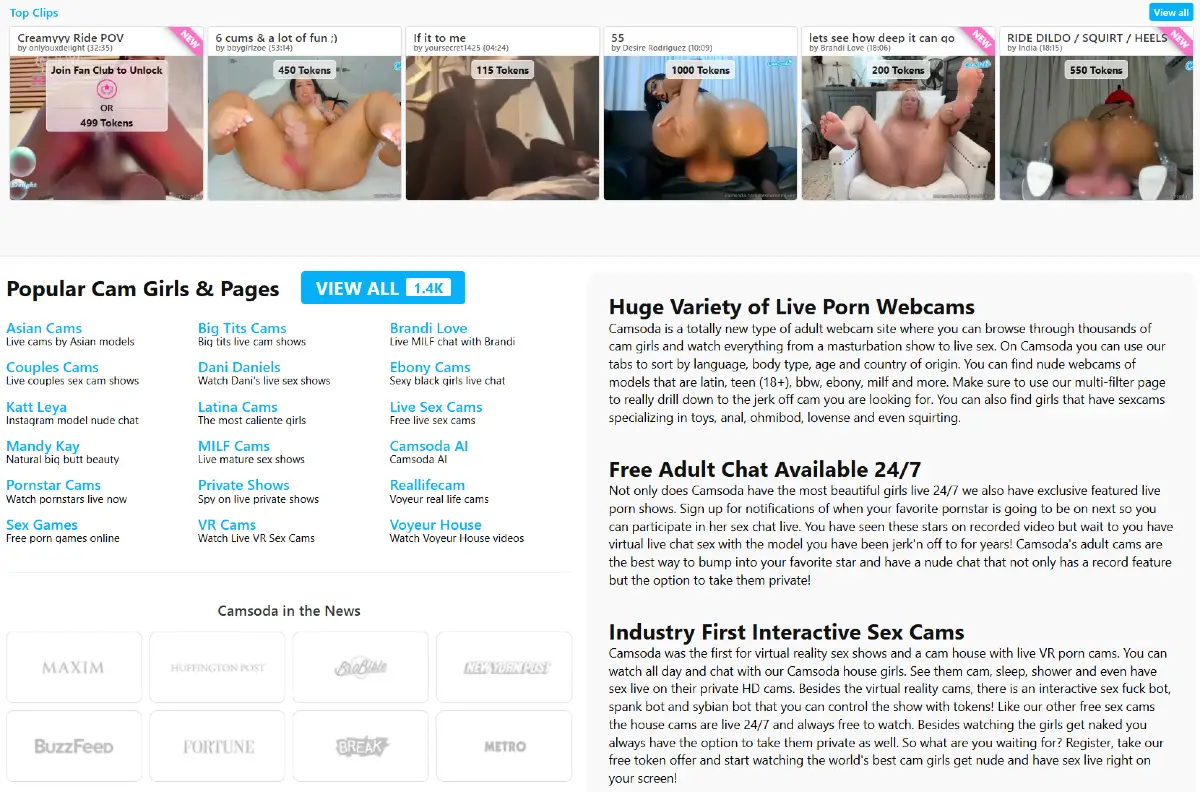
This footer section works like a secondary navigation area. It gives users another way to reach popular categories, model-related pages, video areas, private show links, and themed sections after scrolling past the main live cam grid.
Visit CamSoda.com to explore the platform.