
CamSoda Models
New, Top Rated & Soda Stars
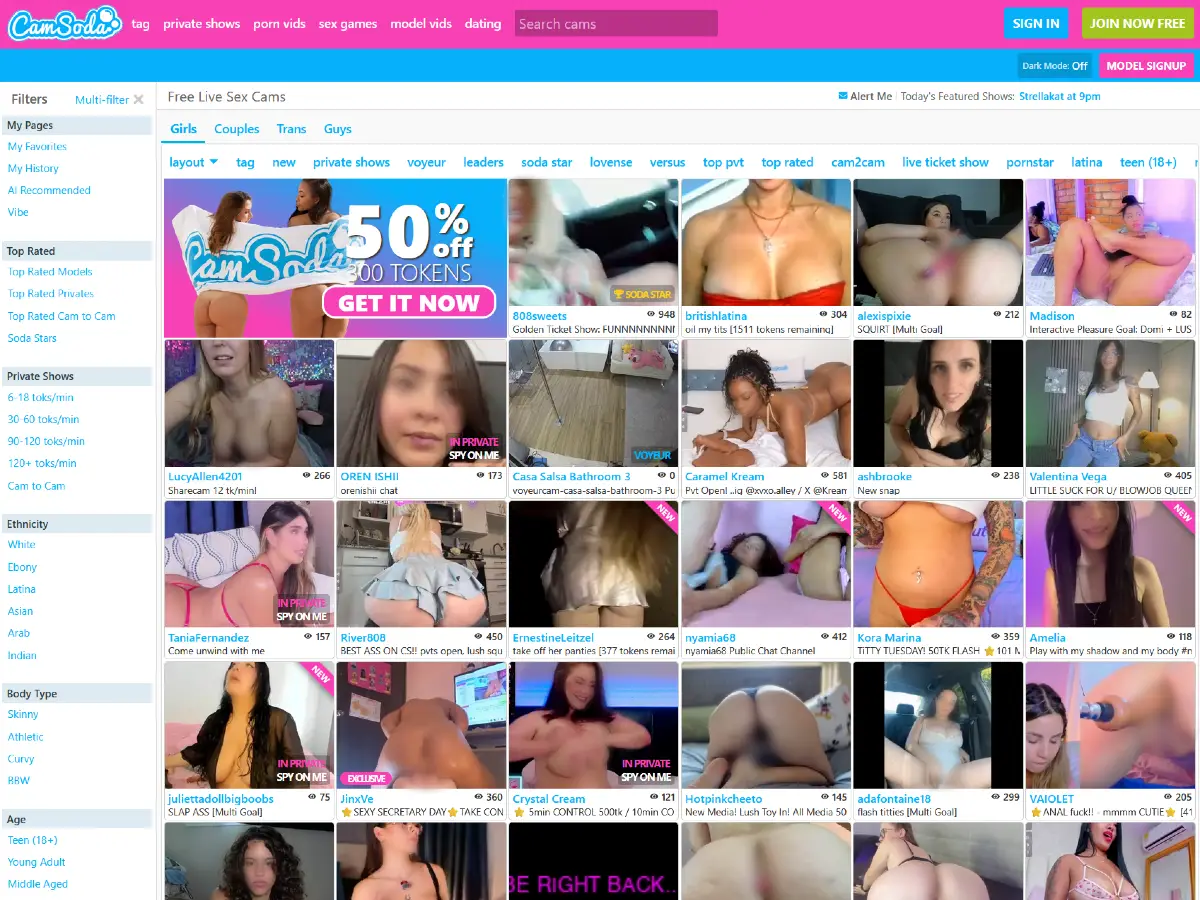
This page focuses on how to find CamSoda models, including new cam girls, top rated performers, Soda Stars, Cam2Cam models, live room previews, private show options, and the discovery tools users can use before entering a room.
For a complete overview of the platform, including pricing, features, live rooms, and account creation, see our Full CamSoda Guide.
Finding Models on CamSoda
CamSoda organizes its live cam directory into four main performer areas: Girls, Couples, Trans, and Guys. These category tabs appear near the top of the live model grid and give users a quick way to move between different types of rooms.
- Girls
- Couples
- Trans
- Guys
This page focuses on the Girls section, which is the main area for browsing female CamSoda models. Users can discover models through live room previews, viewer counts, tags, private show filters, top-rated shortcuts, cam-to-cam options, and other discovery tools built into the platform.
For more detailed pages covering the other performer categories, see our CamSoda Couples, CamSoda Trans Models, and CamSoda Guys sections.
New CamSoda Models
The New section is one of the easiest ways to find recently added CamSoda models. Instead of browsing only the most popular or highest-traffic rooms, users can use this filter to see performers who are newer to the platform or currently being promoted as new.
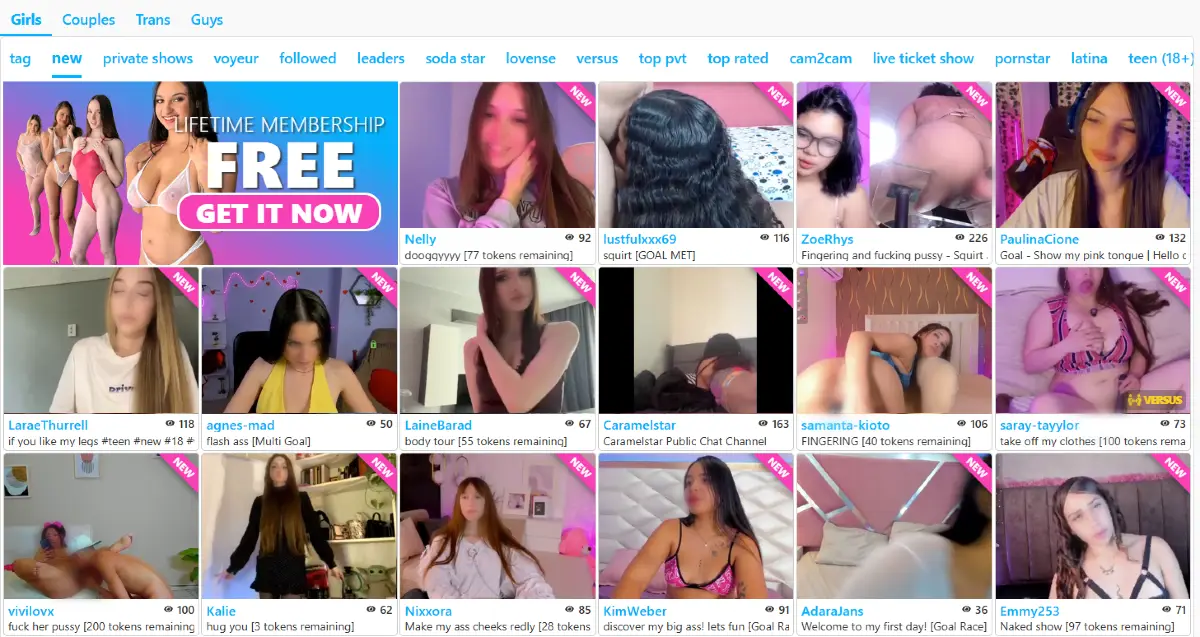
During our test, the New filter appeared in the horizontal browsing menu above the model grid. Rooms marked as new displayed a small corner label, while the grid still showed familiar CamSoda details such as model names, viewer counts, room descriptions, goal messages, private show labels, and live previews.
This section can be useful for users who prefer discovering newer performers before they become heavily followed. It also gives returning visitors a quick way to see fresh rooms without sorting through the same popular models every time.
Soda Stars
Soda Stars is one of CamSoda’s more competitive model discovery areas. The section highlights performers who are receiving strong token activity and gives users another way to find rooms that are active right now.
During our test, CamSoda described the feature with the message: “Every minute a Soda Star is crowned!” The site explained that the performer with the most tokens in the last 60 seconds is crowned the Soda Star and placed in the number one spot on CamSoda’s homepage.
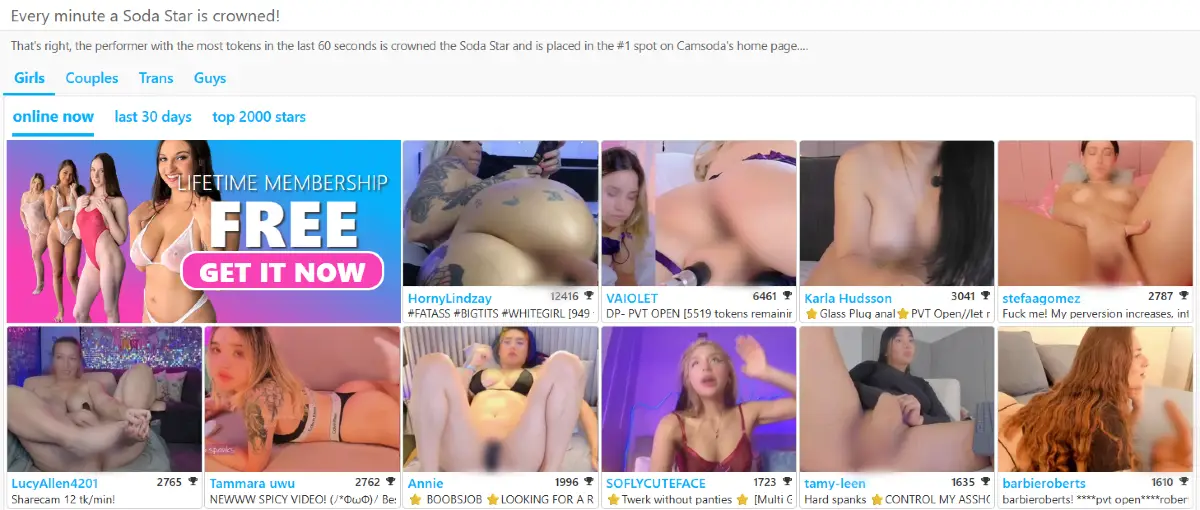
The Soda Stars page also includes options such as online now, last 30 days, and top 2000 stars. This makes it useful for users who want to browse female models based on recent activity, token performance, or broader popularity over time.
For models, Soda Stars appears to function as a visibility boost. For users, it works as a shortcut to rooms where tipping and activity are already happening.
CamSoda Top Rated Models
The Top Rated section gives users another way to browse female CamSoda models beyond the default live grid. Instead of focusing only on new rooms or recent token activity, this area highlights models through CamSoda’s top-rated browsing filter.
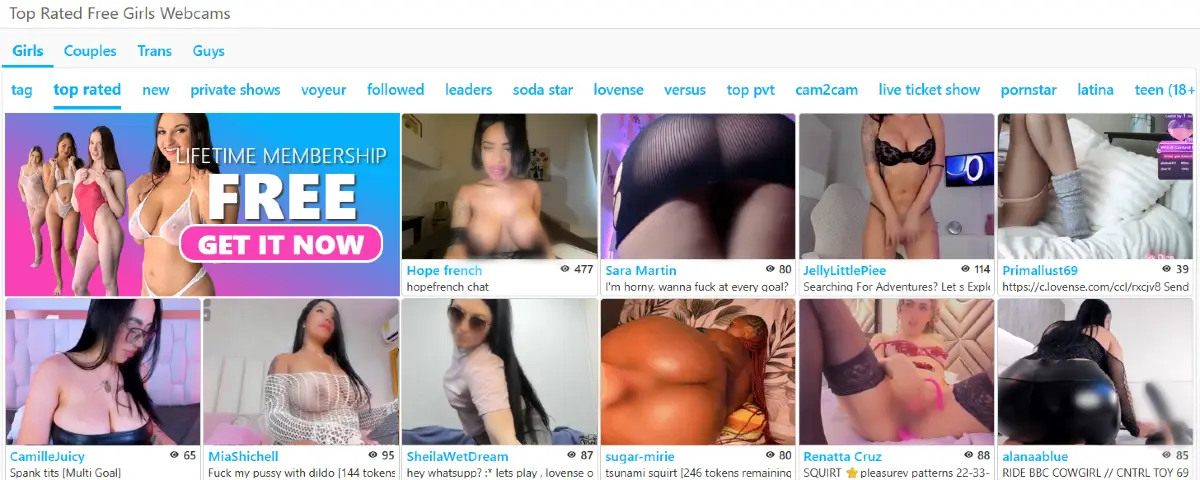
During our test, the Top Rated section appeared in the horizontal browsing menu above the model grid. The page still used the same general live room format, with model names, viewer counts, room descriptions, goal messages, and live preview thumbnails.
This section is useful for users who want to start with models that already have strong visibility or positive activity on the platform. It can also be a faster way to browse active rooms without relying only on the newest models or the main homepage order.
Cam2Cam Models
Cam2Cam is another useful filter for users who want a more interactive CamSoda experience. Instead of browsing only standard public rooms or private shows, this section highlights models with cam-to-cam features enabled.
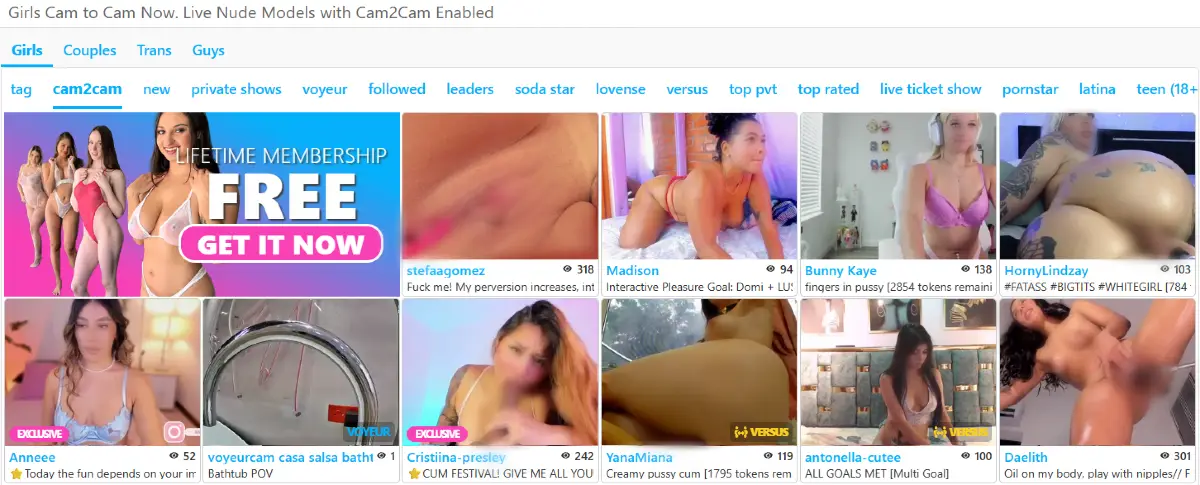
During our test, the Cam2Cam option appeared in the horizontal browsing menu above the model grid. The page displayed the same room-preview style used elsewhere on CamSoda, including model names, viewer counts, live thumbnails, room descriptions, and private or special room labels.
This section is useful for users who specifically want models with cam-to-cam availability. It also gives CamSoda another layer of filtering beyond new models, top-rated rooms, Soda Stars, tags, and private show pricing.
More Ways to Find CamSoda Models
Beyond New Models, Soda Stars, Top Rated, and Cam2Cam, CamSoda gives users many other ways to discover female performers. The platform includes tags, category filters, private show shortcuts, left side menu filters, search tools, room labels, and browsing menus that can help narrow the live model grid.
Users can browse by interests, room type, private show availability, model attributes, language, region, popularity, and other discovery signals. This makes CamSoda feel less like a single model directory and more like a large freemium cam platform with multiple paths into the same live room grid.
For a broader explanation of how the platform’s tags, menus, filters, footer links, private show sections, video areas, and search tools work, see our CamSoda Categories overview.
Visit CamSoda.com to explore the platform.