
CamSoda Trans Models
Tgirls, TS Webcams & Live Rooms
This page focuses on how to find CamSoda trans models, including new performers, private shows, top rated rooms, live previews, and the discovery tools users can use before deciding which room to open.
For a complete overview of the platform, including pricing, features, live rooms, and account creation, see our Full CamSoda Guide.
Finding Trans Models on CamSoda
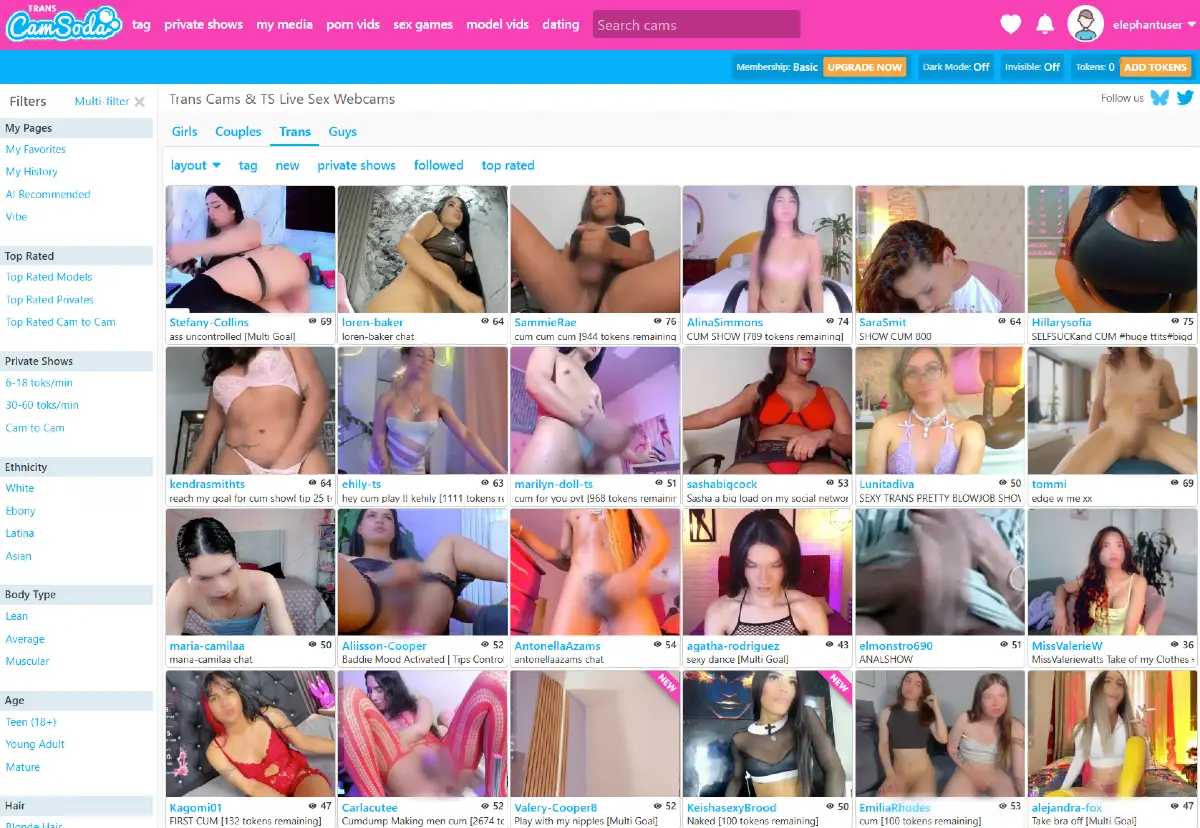
CamSoda separates its live rooms into four main performer categories: Girls, Couples, Trans, and Guys. These tabs sit above the live room grid and make it easy to move between different performer sections without leaving the main browsing experience.
- Girls
- Couples
- Trans
- Guys
This page focuses specifically on the Trans category. In this section, users can browse trans models, Tgirls, and TS webcam rooms using the same general CamSoda layout, including live previews, model names, viewer counts, room descriptions, private show labels, and browsing shortcuts.
For more detailed pages covering the other performer categories, see our CamSoda Models, CamSoda Couples, and CamSoda Guys sections.
New CamSoda Trans Models
The New section helps users find trans models who are recently added, recently promoted, or currently marked as new inside the Trans category. This can be useful for visitors who want to check for fresh rooms instead of browsing only the more familiar listings.
During our test, the New filter appeared in the horizontal browsing menu inside the Trans section. The number of new rooms may change depending on which performers are online and how CamSoda is promoting new accounts.
This section can be useful for spotting recently added trans performers, Tgirls, and TS webcam rooms before they become more established or more heavily followed on the platform.
CamSoda Trans Private Shows
The Private Shows filter helps users find trans rooms that are currently connected to private show activity. Instead of browsing the full Trans grid, users can use this shortcut to focus on rooms where paid private interaction plays a bigger role in the experience.
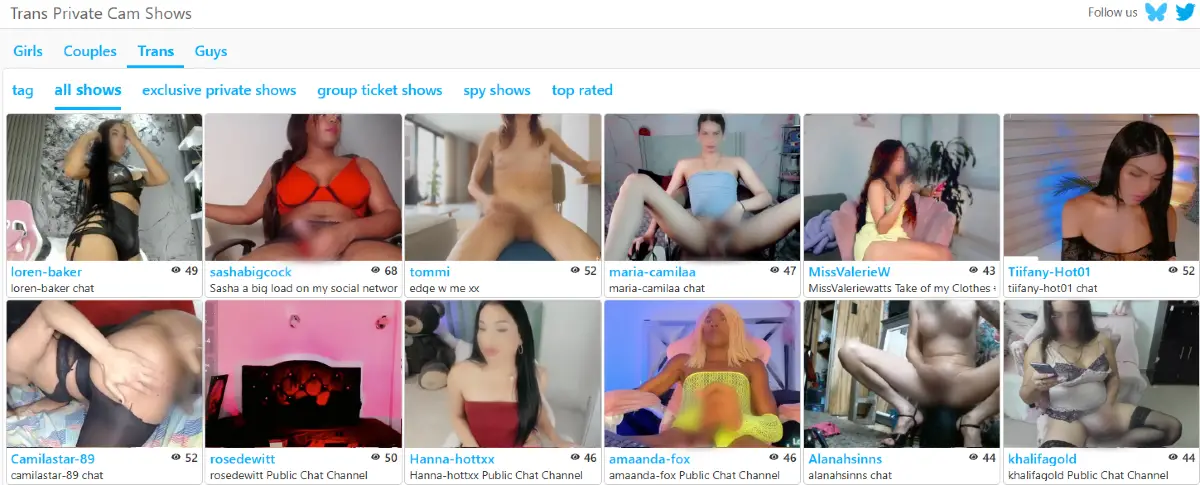
During our test, the Private Shows page for trans models included filters for all shows, exclusive private shows, group ticket shows, spy shows, and top rated. The room grid still displayed live previews, room names, viewer counts, short descriptions, and private show details when available.
This section can be useful for users who are specifically looking for trans rooms with private show options, rather than only public chat rooms or free live previews.
CamSoda Trans Top Rated
The Top Rated section gives users a quick way to browse trans rooms that are highlighted through CamSoda’s top rated filter. Instead of sorting only by what is new, this area focuses on trans models that have stronger visibility or activity within the Trans category.
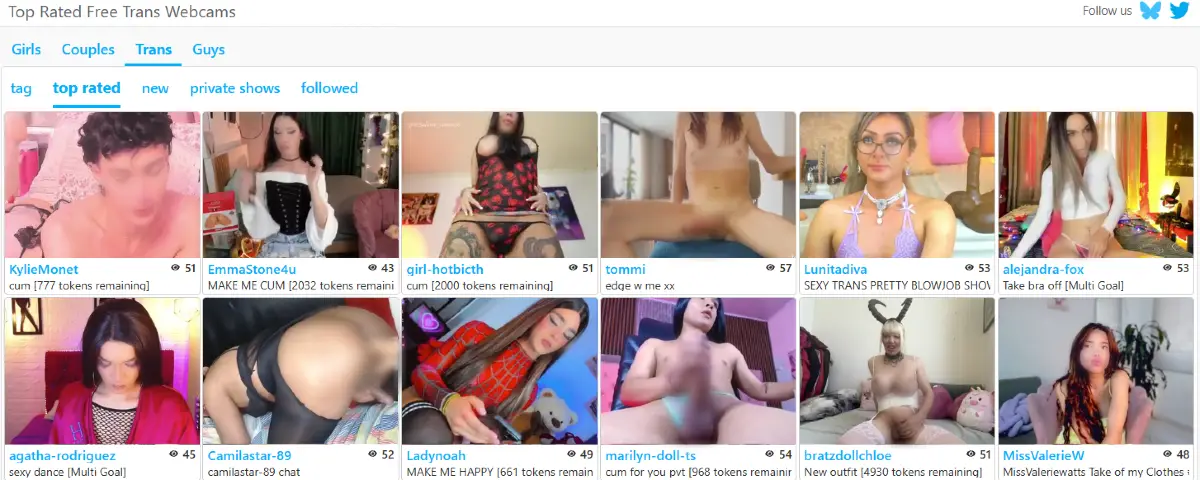
During our test, the Top Rated option appeared in the horizontal browsing menu inside the Trans section. The page used the same live room grid format, showing room names, viewer counts, short descriptions, live previews, and special room labels when available.
This section can be useful for users who want to start with trans rooms that already have more visibility instead of browsing the full Trans grid from the beginning.
More Ways to Find CamSoda Trans Models
In addition to New, Private Shows, and Top Rated, CamSoda gives users several other paths for finding trans models. The platform uses tags, sidebar filters, search tools, room labels, private show shortcuts, and browsing menus to help users narrow the Trans grid.
Users can explore rooms by interest, room type, performer details, language, region, private show availability, popularity, and other browsing signals. This gives the Trans section more flexibility than a basic category page, especially for users who want to move beyond the default live room order.
For a broader explanation of how CamSoda organizes tags, menus, filters, footer links, private show areas, video sections, and search tools, see our CamSoda Categories overview.
Visit CamSoda.com to explore the platform.